


Google Chrome 18 has been released! Download now

Pros and Cons of Online Backup Services [Review]

Advertisement
Do you like this post?

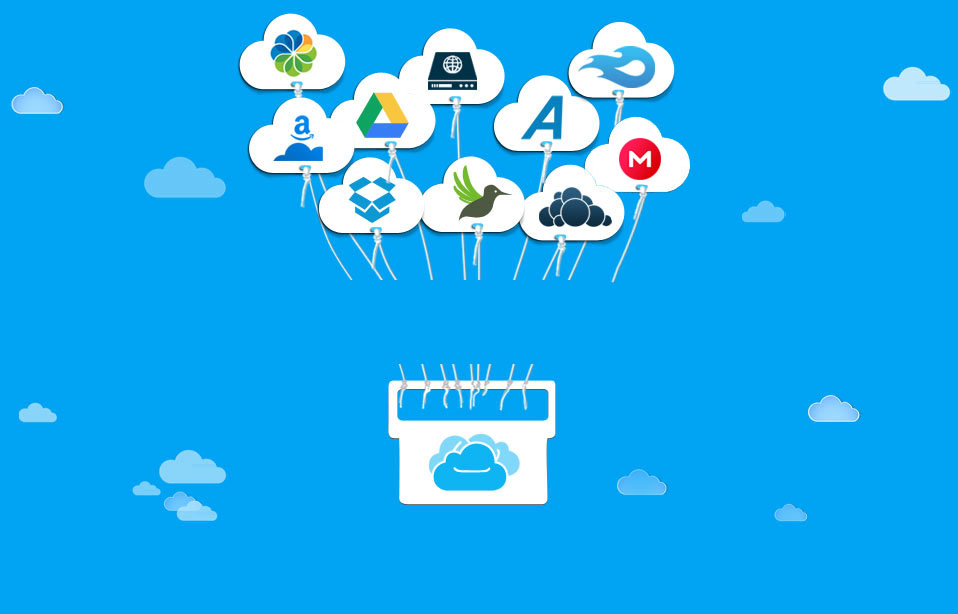
We all know we should backup our computers, but few of us actually do it. Backing up used to require the user to keep track of CDs, DVDs or even tapes. But that meant the user had to remember to make a copy of the files, and ideally move them to another location once done. Today, however, online backup services make this process incredibly simple.

Pros

First, consider the pros of backing up online: your files are at a secure, offsite location, safe from theft, fire, flood, and other physical damage. In addition, the process is automatic. Once the software is installed, the online backup software will perform a backup regularly. Also, some providers allow you to access your files remotely, meaning if you’re at the office and need a file from your home computer, you can login to the online backup service and download that file.

Cons

However, backing up online also has some cons. The first time you backup, the process can take days, or even weeks. This is dependent on how fast your internet connection is, and how much data you have to backup. In addition, you’re going to have a monthly or annual fee to keep your backups. Many services offer unlimited backup for about $5 per month, or $50 annually, however you can get a small account (2GB) free from a couple services.

Things to Remember

When comparing online backup providers, consider such things as ease of use, amount of backup space, monthly cost, and reputation. You can also look at additional features the service may offer, such as syncing files amongst multiple computers or sharing & collaboration. However, as you add services, you’ll move away from unlimited backup space and go well beyond the $5 per month price.

Remember, once you get started, your online backup may take weeks to complete. It’s always best to make online backup a part of your overall backup plan, which means use an external hard drive for local backups, too. This way, you can quickly get to your data if you have a hardware failure, but if you have physical damage to your computer & external drive, your online backup will be there, waiting for you.


This guest post was written by Eric Nagel who manages OnlineBackupsReview.com where he reviews online backup services and reports on the latest industry news. He also provides readers an exclusive 15% off Mozy promotional code so they can save on the top-rated online backup service Mozy. To get started backing up your computer online, visit http://www.onlinebackupsreview.com/.

You can also write a guest article and share your reviews on your favorite web services.

Have something to say? Leave your comments below

Liked the Above Article? Share it!

| |
Get Updates via Email:   
Translate this page

Check Out These Related Articles Too:

© 2012 tipsOtricks. All rights reserved | Copyright Policy | Disclaimer | Privacy Policy
page counter TipsoTricks Subscribers
More in Applications, Data Backup, Reviews
Review : Webroot Internet Security Complete 2010

The Webroot Internet Security Suite integrates technology from a number of award-winning security solutions, including Webroot AntiVirus, Spy Sweeper and...

Pring: New Social Network for Pakistani Mobile Users

Social Networks spread and brought up at a very high pace on internet from their starting days. Most of the...

Close
More in Applications, Data Backup, Reviews
Review : Webroot Internet Security Complete 2010

The Webroot Internet Security Suite integrates technology from a number of award-winning security solutions, including Webroot AntiVirus, Spy Sweeper and...

Pring: New Social Network for Pakistani Mobile Users

Social Networks spread and brought up at a very high pace on internet from their starting days. Most of the...

Close