






Install Themes without any 3rd party Software.

Do you like this post?

If you want to customize or change the look of your windows.. What will you do ?
You download dozens of themes files that you like.
and read the “help” file included (with the theme) to learn how to install those themes.

And in there you’ll find a name of a 3rd-Party Theme Software to apply the themes. and when you download the software, you have to learn that a little bit to use it and apply themes.

Now you don’t have to install those softwares (that force themselves to run on system startup, in order to run the theme).


This is where Uxtheme Multi-patcher comes handy.

It is a simple “Patcher” or a tool that modifies a Windows System file called “uxtheme.dll” (uxtheme.dll is the file, which is responsible to apply/change Themes and appearances of windows)

Uxtheme Patcher is a free utility, which will allow you to use any msstyle theme on:
- Windows XP/SP1/SP2
- Windows Vista
- Windows Server 2003
….just by patching the “uxtheme.dll”.

Steps to Patch:

  • Open the .zip file.
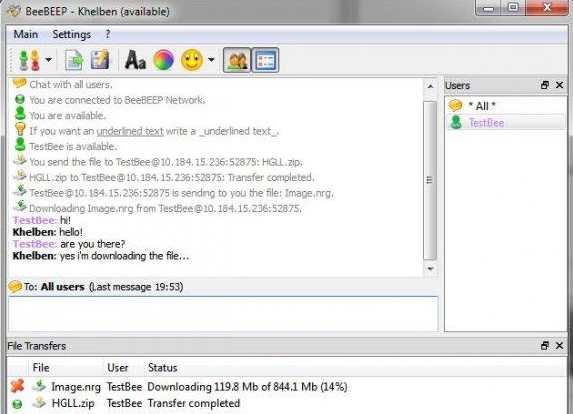
  • Double click on the “UXTheme Multi-Patcher 6.0″ icon, you should then see the window shown.——>
  • Click the patch button.
  • It’ll detect your windows version automatically.
  • Look for the Windows file protection window appearing.
  • It’ll say that Windows detects that a system file has been tampered with and offers to replace it with the original version. Normally this would be a good idea, but since we want to replace this file we’ll need to cancel Windows file protection.
  • So, Click Cancel.
  • Next Windows comes up, asking you to Reboot the system
  • Click OK.
  • and that’s it!…. Patch Installed !

Now What..??

After reboot, go to the folder where you have downloaded the theme files.
Just double click them.
That will open Desktop Properties Window.
After modifications (if you want)
Click Apply.
and Here you Go… Same Windows Desktop with New appearance, without any help from a software!

Quick Tip:

If you want to see all of your Visual styles in Desktop Properties> Appearance tab.
Copy and paste all the Visual style/Themes files in

C:WINDOWSResourcesThemes

(PS: Don’t copy/paste the .zip file of themes, put the folders instead or directly Extract them into this folder)

Done !

Now you can see all the visual styles in Desktop Properties> Appearance tab.


You can obtain themes and visual styles from these websites:


DOWNLOAD Uxtheme Multi Patcher.

In case this Patch doesn’t work on your version of windows.
Then Click Here for the complete list of Patches designed for different versions of windows.

*************************************************
But.. installation of separate patches is different than this Multi-Patcher.

OK..
I Explain that too…. :-D

  • Download the .zip file
  • You’ll see a “uxtheme.dll” file
  • Copy the file and paste in

C:Windowssystem32

  • Overwrite the File
  • Reboot the system
  • Done.

**************************************************

If you still face any kind of problem, Just Reply in the Comments.

Thanks.

Related posts:

Liked the Above Article? Then Share it! ;)
| | More -
 Get Updates via Email
Enter your email address:   
Translate this page


© 2008 TipsoTricks. All rights reserved.
page counter TipsoTricks Subscribers